ScreenScape Gallery
Explore the beautiful and intuitive interface of ScreenScape across all platforms. Experience seamless streaming with our carefully crafted user interface.
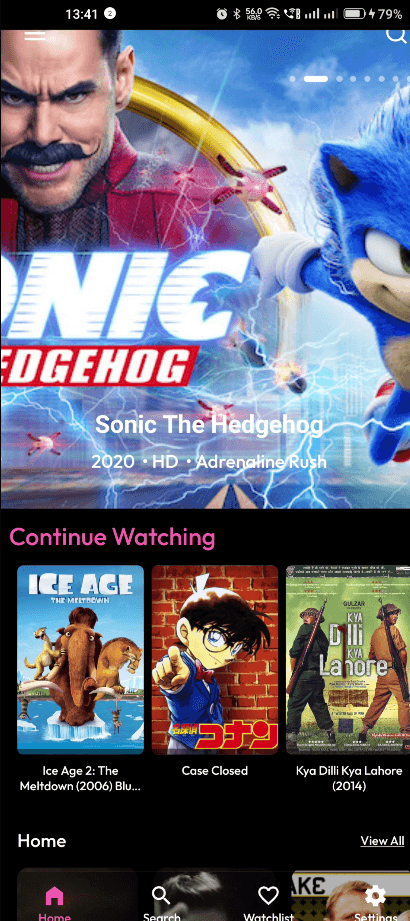
Home Screen
Beautiful and intuitive home interface with easy navigation to all your favorite content.
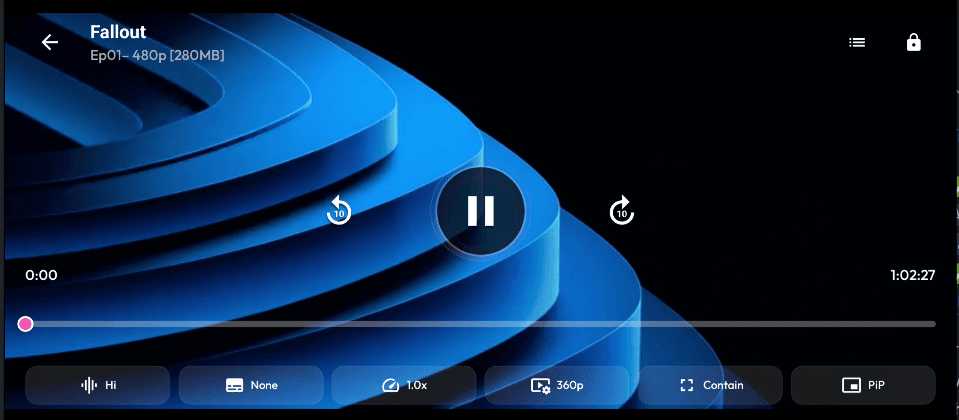
Video Player
Advanced video player with full screen support and intuitive controls for the best viewing experience.
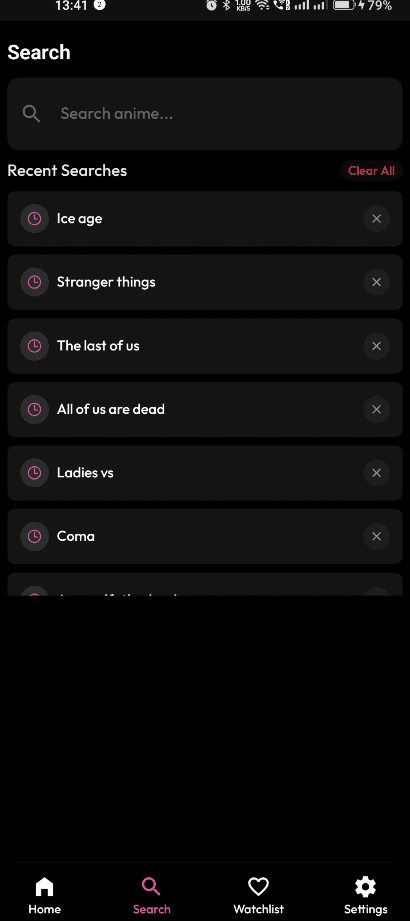
Search & Discovery
Powerful search functionality to find exactly what you're looking for with smart suggestions.
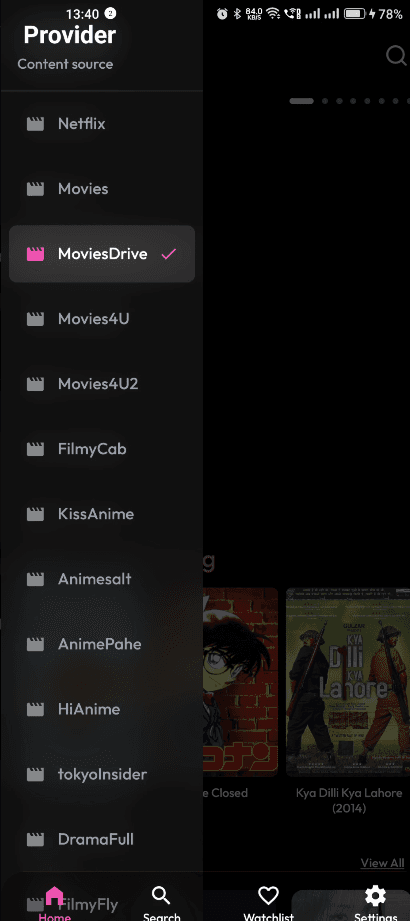
Content Providers
Access multiple content providers seamlessly from one unified interface.
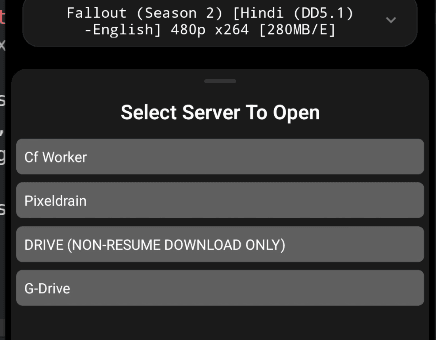
Server Selection
Choose from multiple high-quality servers for optimal streaming experience.
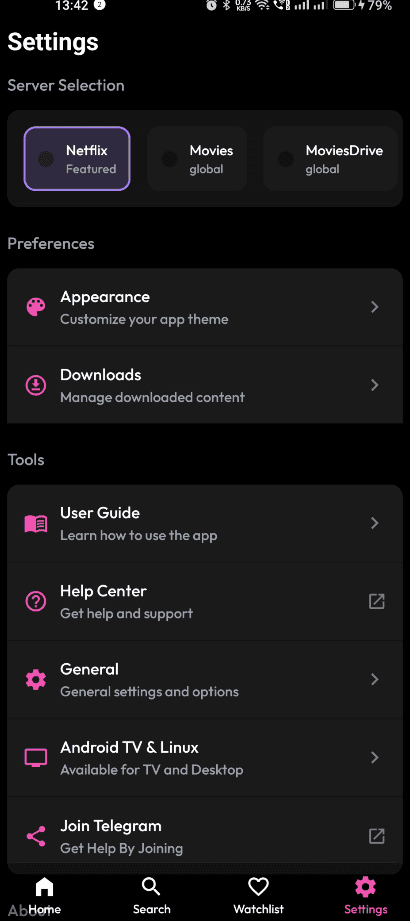
Settings & Preferences
Comprehensive settings to customize your viewing experience exactly how you like it.
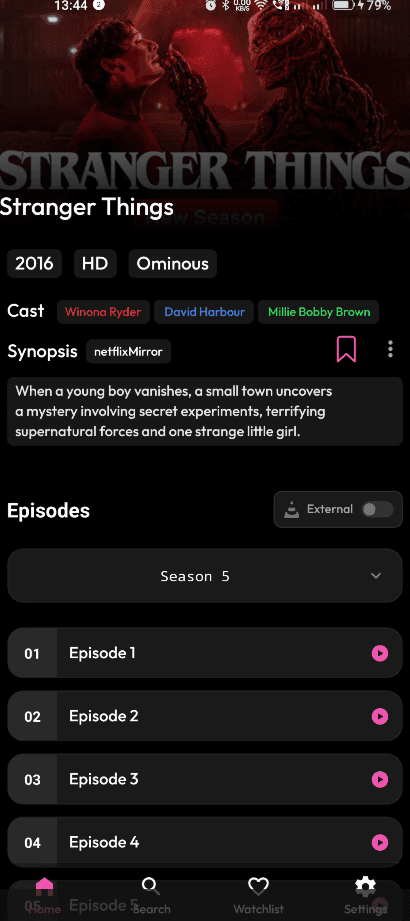
Content Details
Detailed information about movies and shows with ratings, cast, and synopsis.
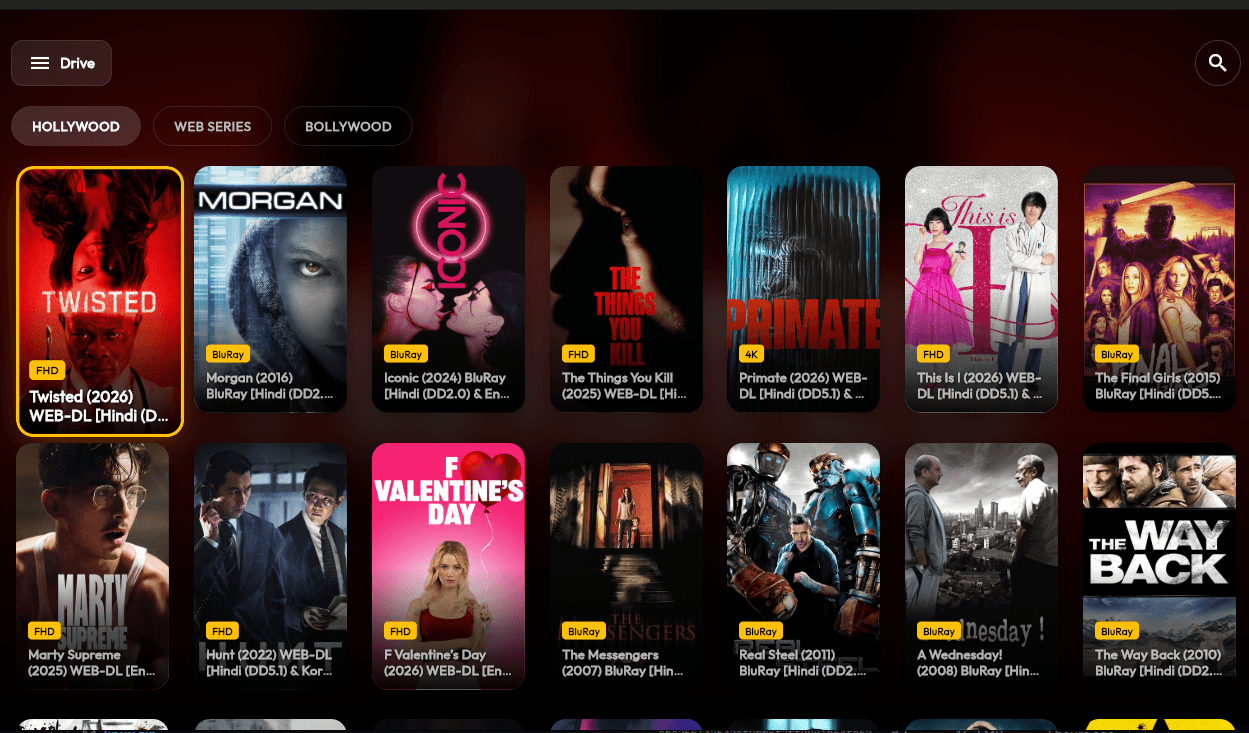
Desktop Home
Spacious desktop interface optimized for large screens with seamless navigation.
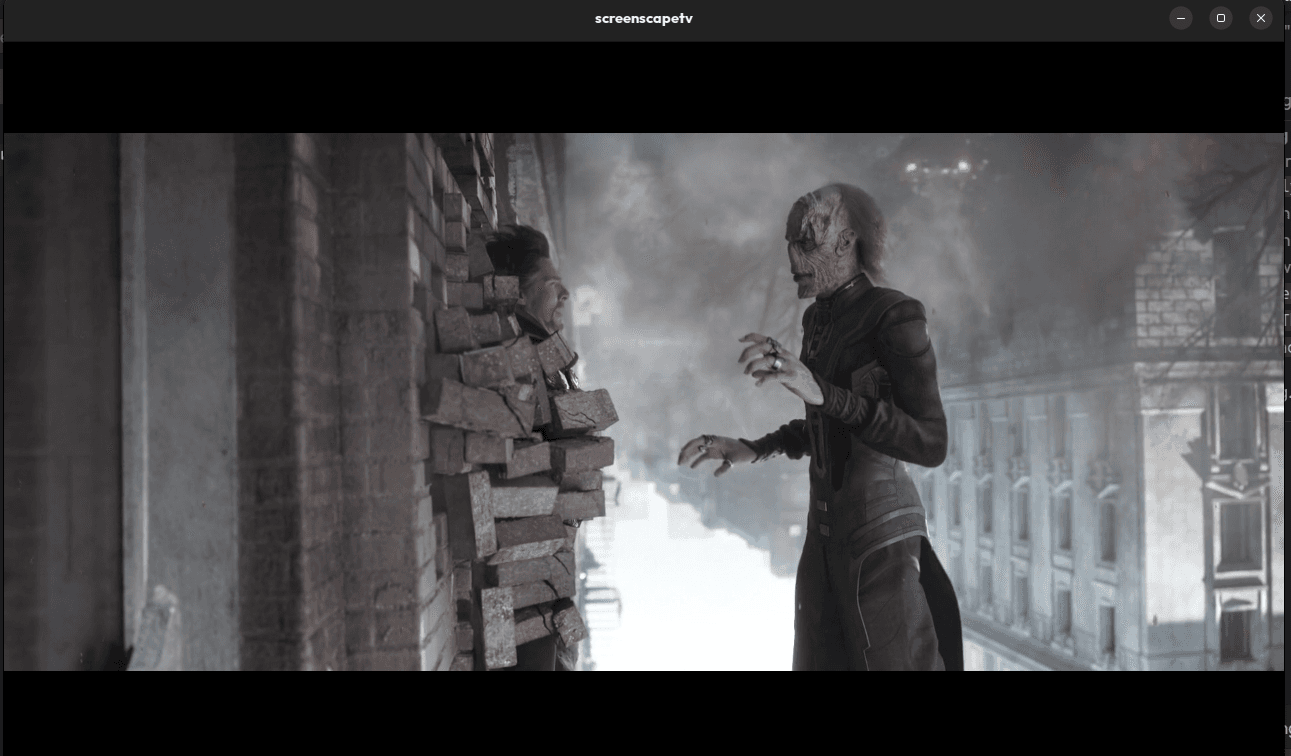
Desktop Player
Full-featured desktop video player with advanced controls and keyboard shortcuts.
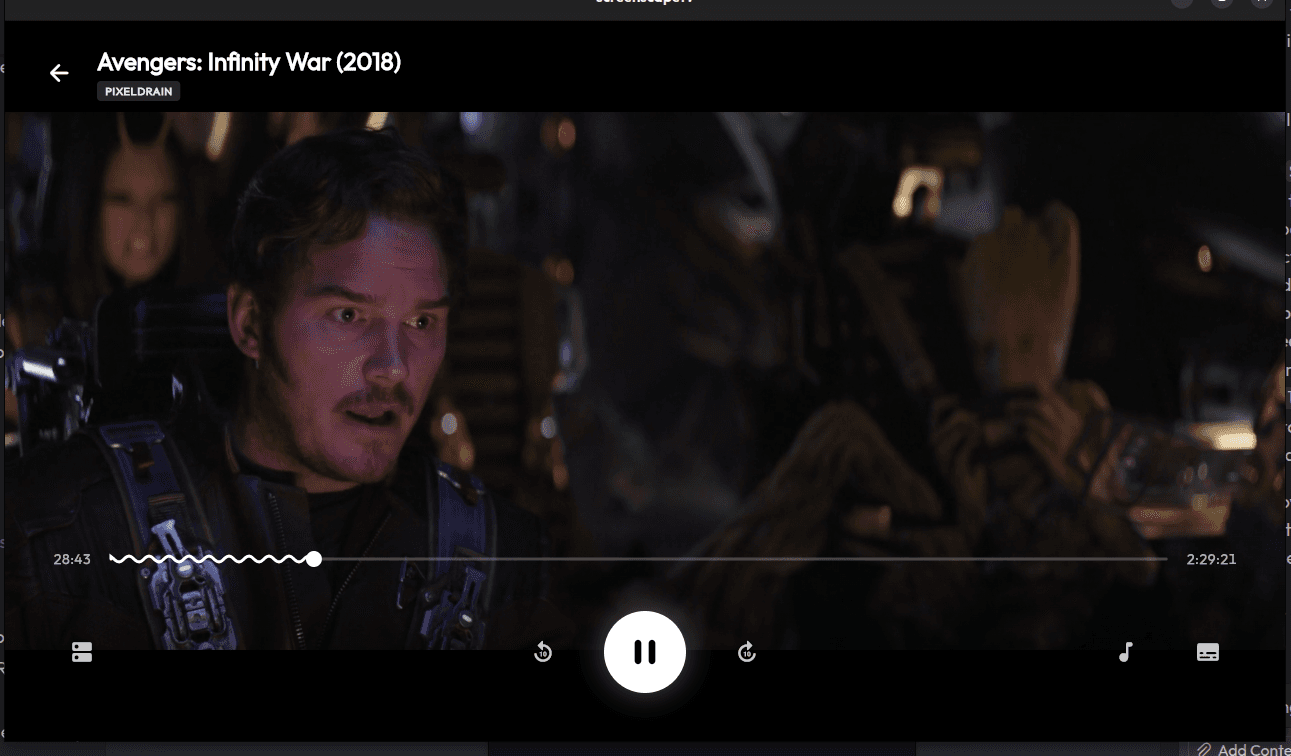
Player Controls
Comprehensive player controls for desktop with timeline, volume, and quality options.
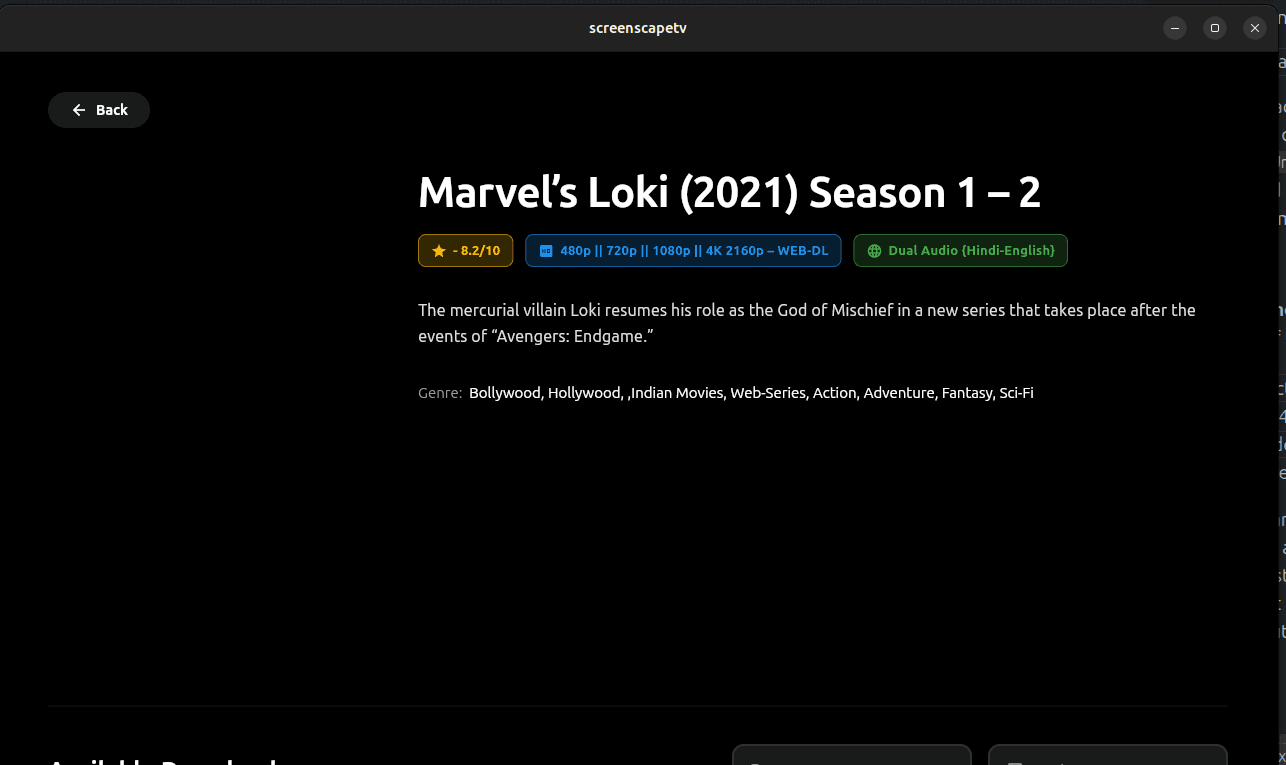
Content Information
Detailed content information panel with comprehensive metadata and descriptions.
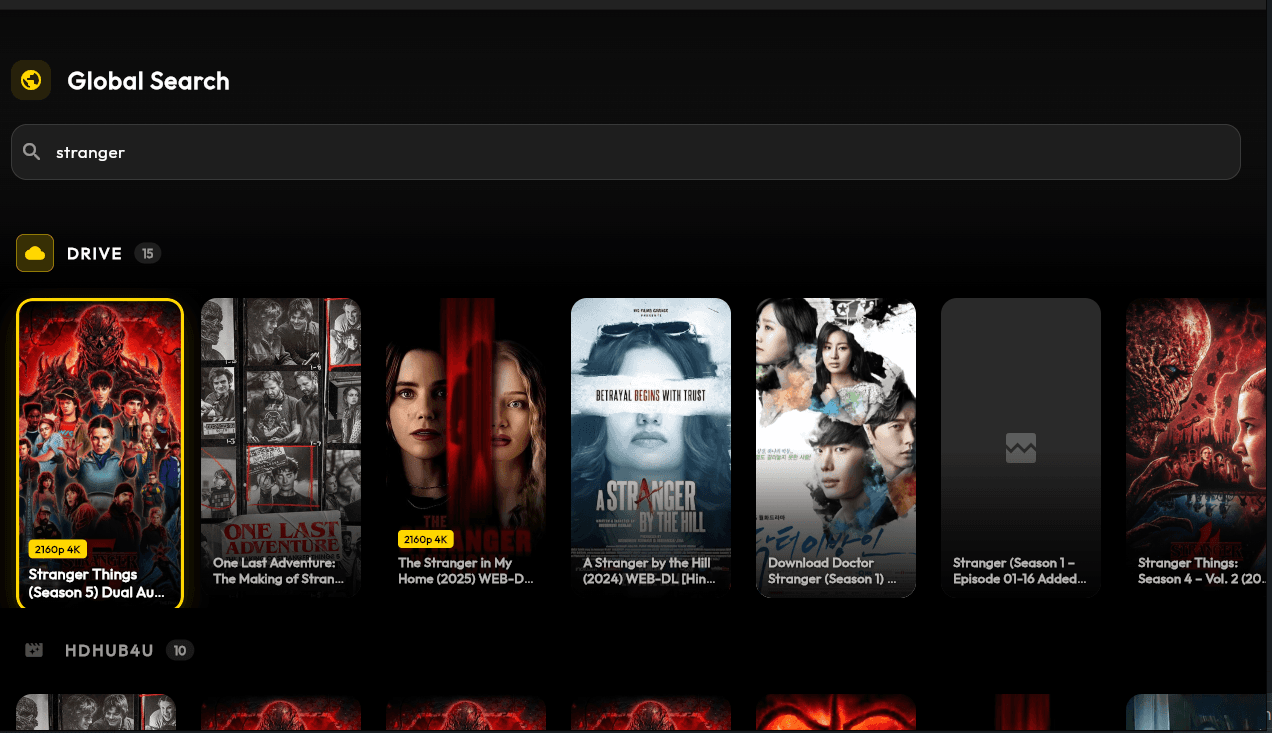
Global Settings
System-wide settings panel for configuring the application behavior and preferences.
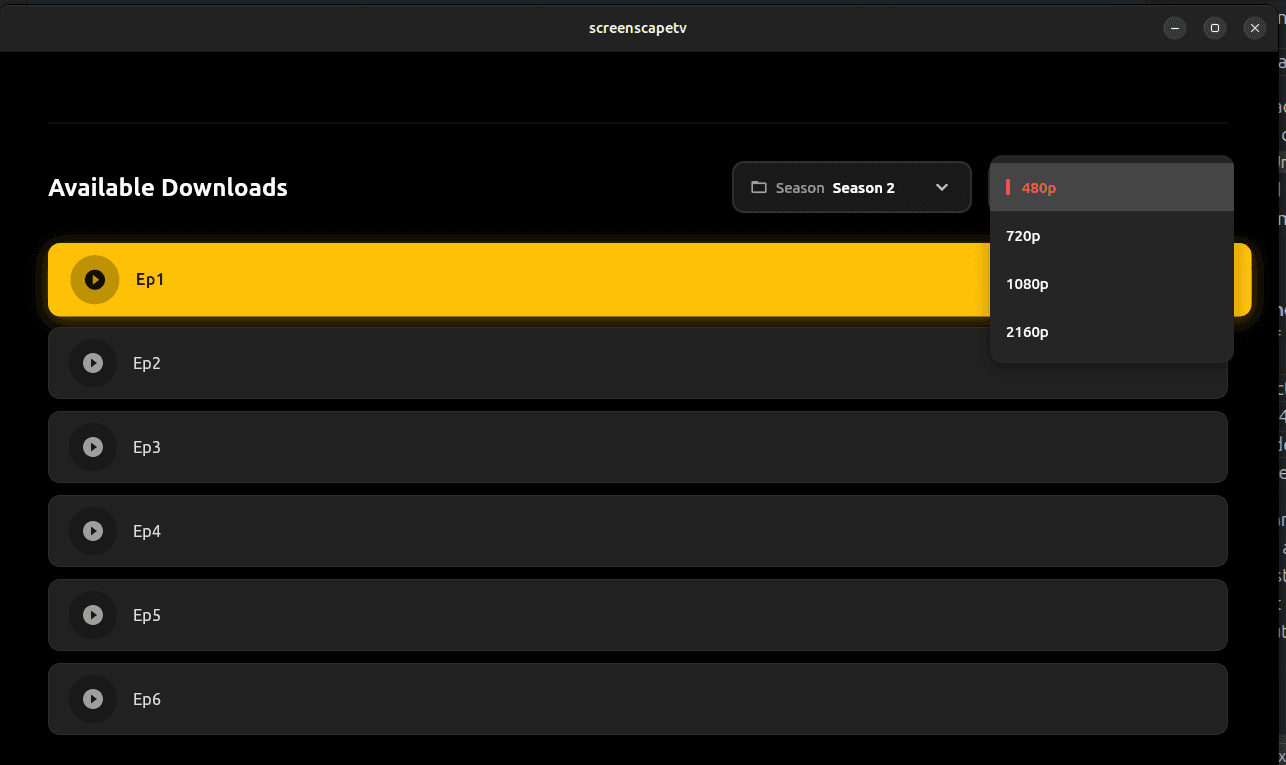
Episode Browser
Browse through episodes with detailed information and progress tracking.
Ready to Experience ScreenScape?
Download ScreenScape today and enjoy seamless streaming across all your devices.